The ‘Sign up / Sign in’ tool allows you to add a Sign Up / Sign In & Sign Out button anywhere on a webpage, or in your webpage header.
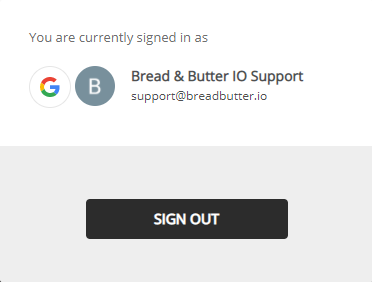
When a user converts and authenticates with their favorite account, the tool changes to display their profile picture from their account, plus the option to sign out.
The ‘Sign up / Sign in’ tool is added by placing a <div /> element where you want it, then updating the Bread & Butter script tag to reference it.