Content gate classic
Content Gate Classic setup options (SEO friendly)
Bread & Butter’s content gate classic feature allows you to limit access to specific web pages on your website to visitors that have authenticated. When the user goes to the page, the content is partially hidden by the content gate sign in section. It can be configured to appear immediately,
after a period of time, or when a user scrolls past a certain percent of the page.
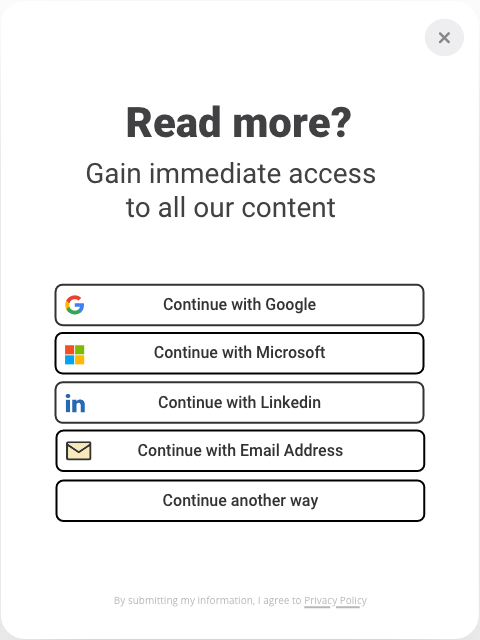
Choose the way visitors engage: Email (capture only), First Name, Last Name, Email + Password + PIN (verified), Sign-in link (verified), Or social login options

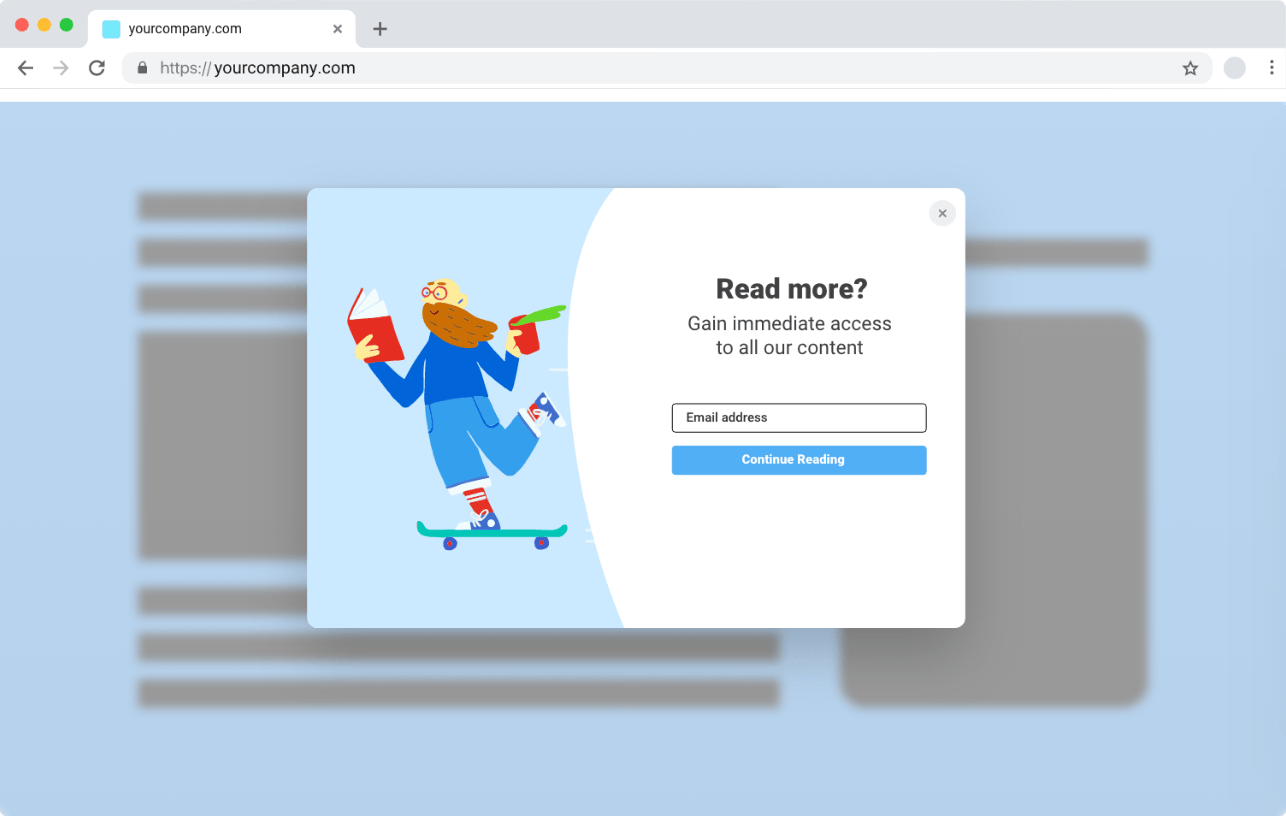

Use use the image provided Or customize for your brand

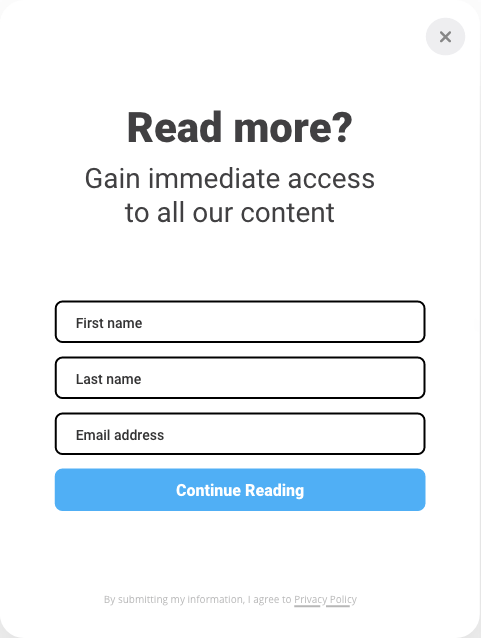

Edit the Header &
Sub Header text

To set up content gate classic, please follow the steps below.
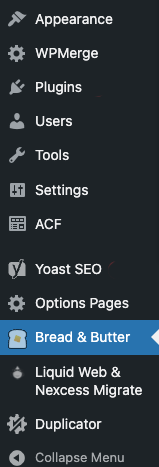
Step 1. In the left menu in WordPress admin, click on Bread & Butter.
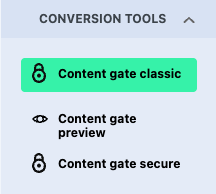
Step 2. Click on the Content gate classic in the left menu, then scroll down to the setup section.
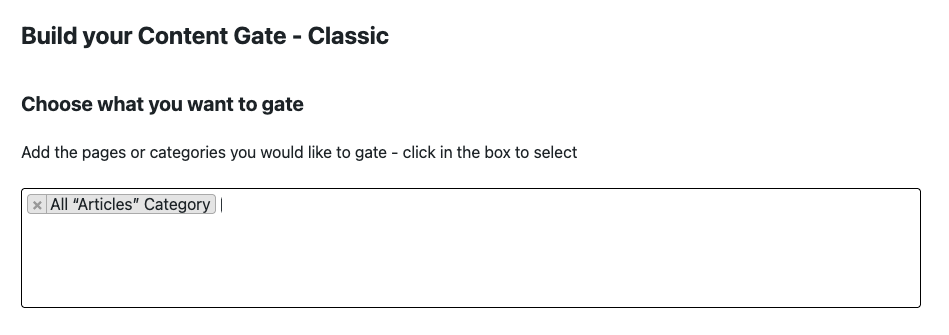
Specify the webpages or post categories that you want to limit to signed-in users. You can choose one or many pages. If you start typing, it will auto-complete.